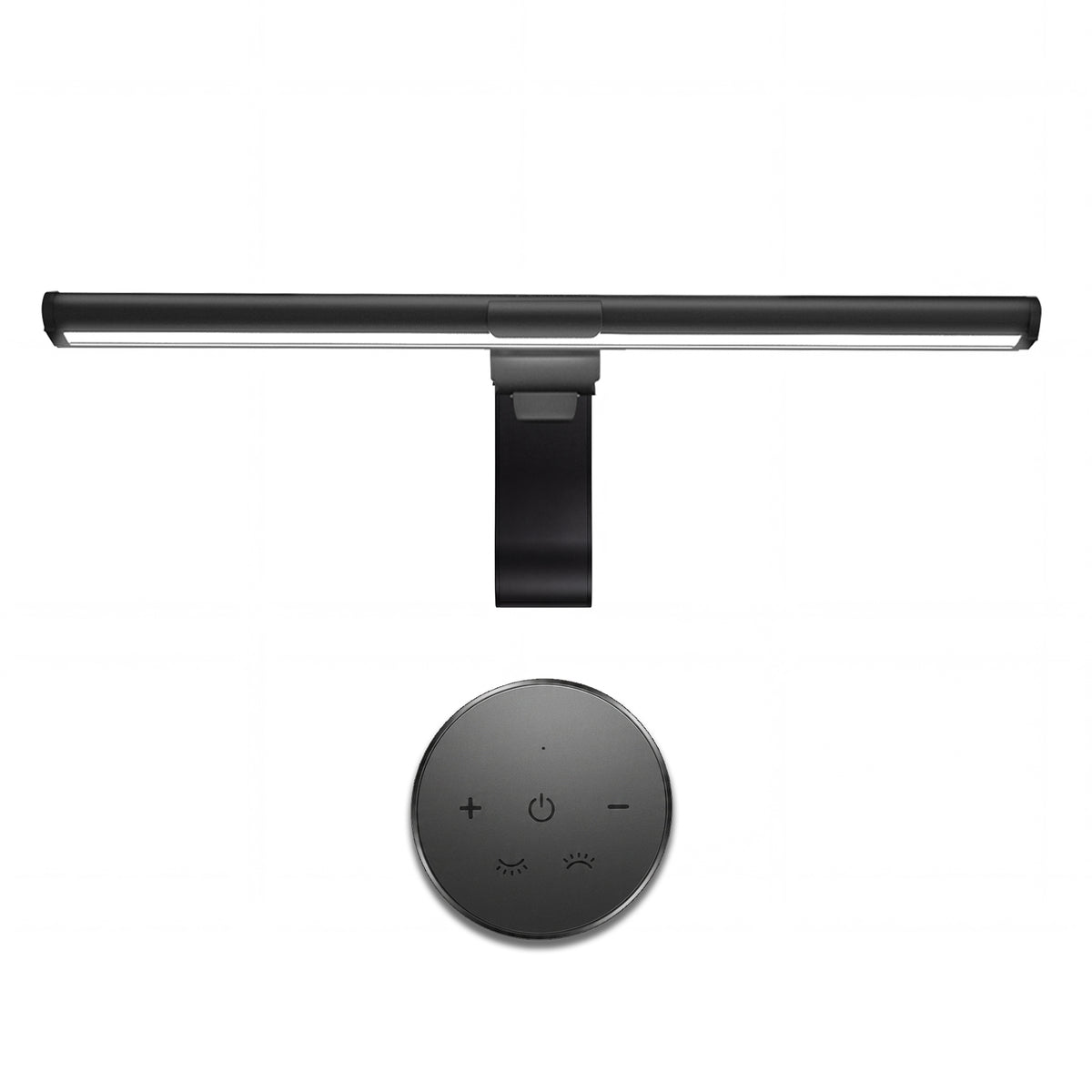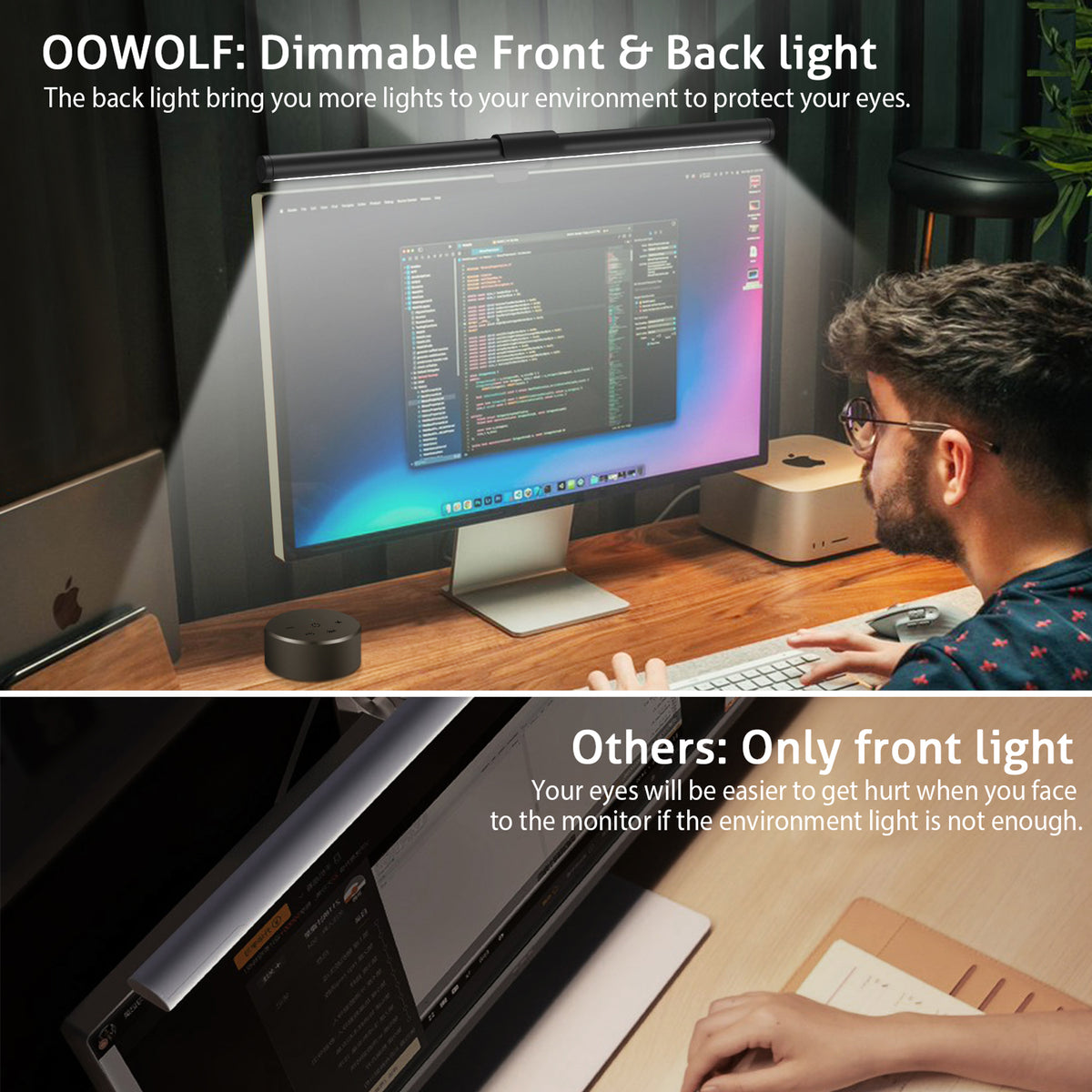

Front + Rear Light
Illuminate the keyboard, notes and work surface while adding a softer layer behind the display.

The Screen Light System
Designed for focused work, reading and study, ooWOLF screen light bars add controlled task light where you need it—without asking your desk to carry another full-size lamp.
Illuminate the keyboard, notes and work surface while adding a softer layer behind the display.
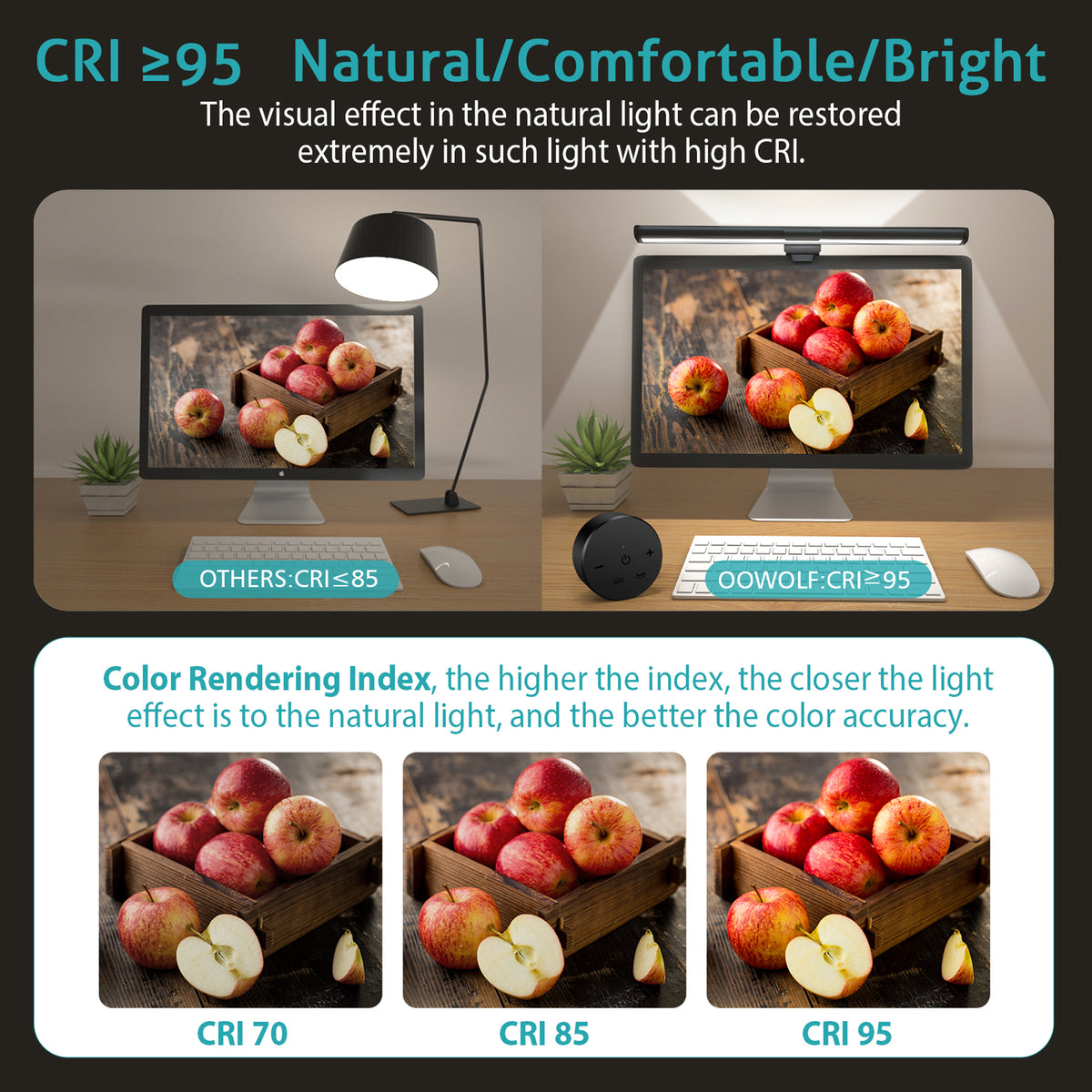
Selected models offer CRI 95+ or higher for more faithful-looking books, notes, sketches and everyday materials.
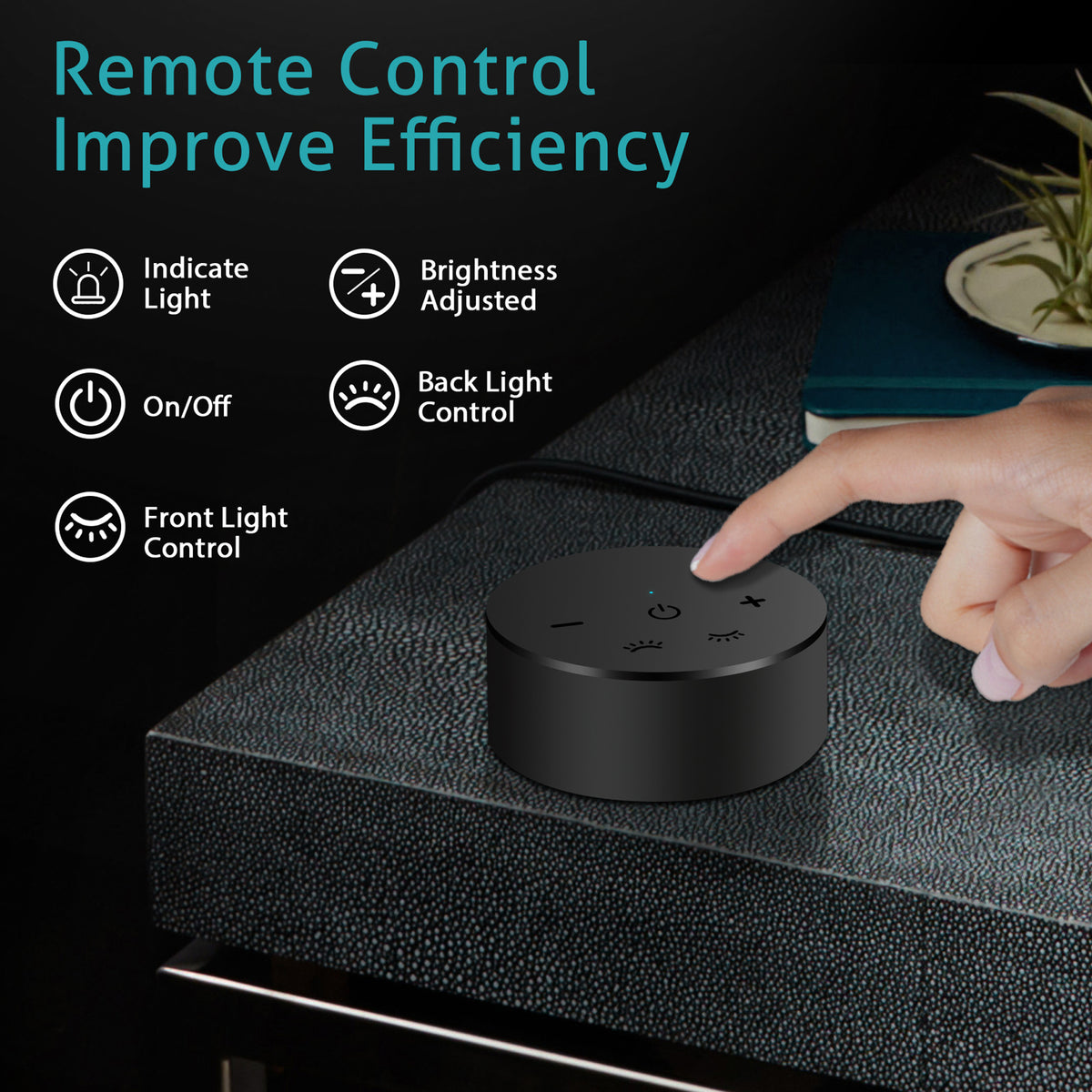
Choose the brightness and colour temperature that feels right for your task, from concentrated work to a slower evening desk.
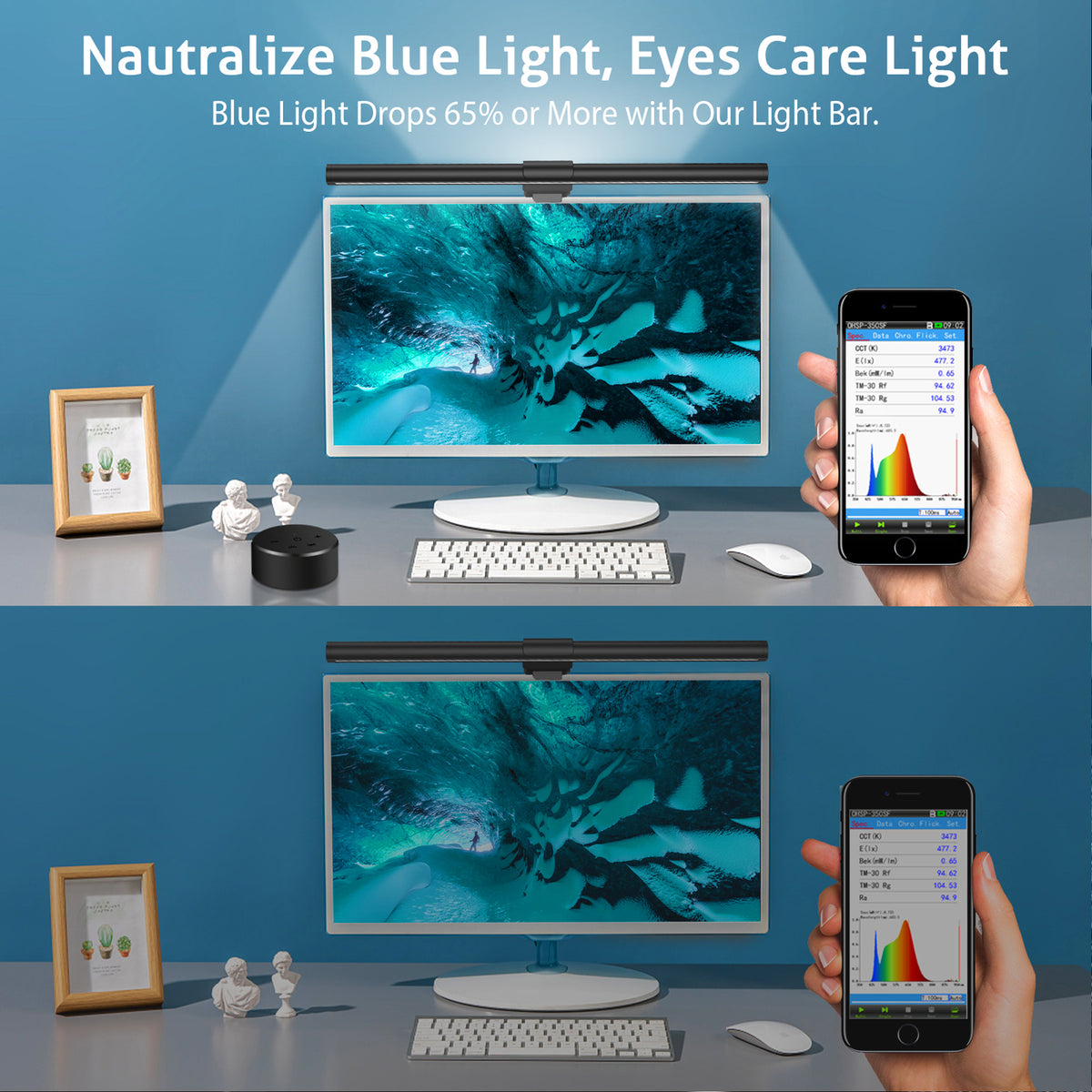
Balanced light around the screen can make the workspace feel less visually abrupt after dark and more comfortable to use.
Screen-mounted lighting keeps valuable desk space clear while staying close to the work in front of you.
ooWOLF Sentinel™ Essential | 16.14″ Dual-Light Screen Bar
Flux-Lite | Barra de luz para monitor
Sentinel™ | Rayo de defensa retiniana | Luz de pantalla para laptops y monitores
Choose By Your Routine
The right screen light is not only about specifications. It should fit the way you work, the space on your desk and the kind of light you want around your display.
You need
You want light on your keyboard, notes and desk without adding a full-size lamp. A compact dual-light setup keeps the workspace clear and makes evening work feel more considered.
You need
You spend serious time in front of a screen and want a more refined lighting setup, high colour rendering and flexible control without taking over your desk.
You need
You want focused light on the desk and a subtle ambient layer on the wall behind the screen, helping the whole setup feel less abrupt after dark.

The Difference Is Around the Screen
Your screen is only one part of the workspace. Create a clearer, calmer environment for work, reading and the hours in between.


Designed for a more comfortable screen-centred workspace.
Light modes, controls and compatibility vary by model. Check each product page for exact specifications before ordering.
Before You Choose
A better screen-lighting setup should feel simple from the start. Check your display profile, power source and preferred light experience before choosing the model that fits your desk.
Screen light bars are designed for compatible monitors and laptop displays. Check the top edge, rear clearance and mounting surface before ordering.
Use the required USB power source for the model you select. Review the individual product page for its power, cable and control details.
Position the light above your display, keep the desk clear, then adjust brightness and colour temperature for your workspace.
Compatible flat monitors are generally the clearest fit. Curved, ultra-thin or unusually shaped displays may require a fit check. Power requirements and controls vary by model, so please review the individual product page before ordering.
Customer-Shared Setups
6 real workspace photos
No studio staging—just ooWOLF screen lights in the places they are used every day: home offices, multi-screen desks and focused workspaces.
Customer-shared photos from real screen-centred setups.


Swipe through real setups
Different desks. One clearer way to light the work around the screen.
Photos are shared by ooWOLF customers. Screen size, desk layout and product setup may vary.