

16.14 IN screen bar
FRONT + REAR light
30-DAY returns

SENTINEL™ ESSENTIAL · DUAL-LIGHT SCREEN BAR

Your screen is bright. Your desk should not disappear.

Sentinel™ Essential adds focused light to the work in front of your screen and a softer layer behind it—creating a more balanced visual environment for reading, learning and focused work.

01

BALANCED WORKSPACE

Light the desk. Soften the space behind.

A forward task light illuminates the keyboard, notebook and work surface. A rear glow helps keep the area around your display from feeling visually abrupt after dark.


03

LIGHT FOR THE TASK

Read. Learn. Work your way.

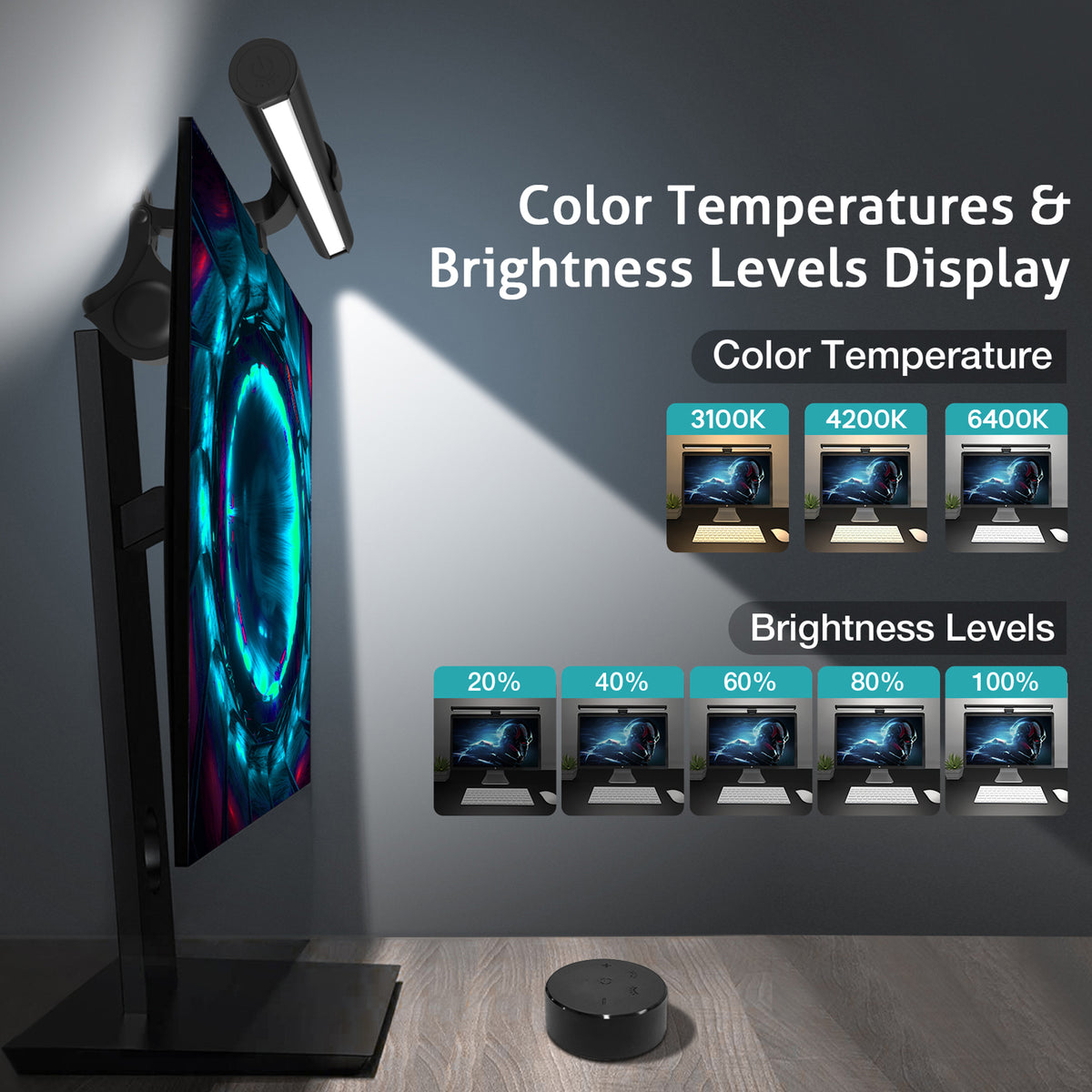
Move between 3100K warm, 4200K neutral and 6400K cool light. Then fine-tune brightness with stepless dimming and return to your last setting with memory mode.

DESIGNED FOR LONGER HOURS AT THE DESK

Better light should support the task. Not compete with the screen.

Sentinel™ Essential is built to keep your desk clear while giving the work around your monitor a more complete, comfortable layer of light.

MODEL TL03R
LIGHT Front + Rear
CONTROL Remote + Touch
POWER USB 5V

The Details of Your Day Deserve Better Light.

Bring Your Desk Back to Life.

Your screen is only part of the picture. The work in front of it, the objects around it, and the atmosphere you create all deserve light that feels considered.

Sentinel™ Essential helps your workspace feel clearer, calmer, and more alive—morning through night.

Fit & setup

Will it work with your monitor?
Here is the clear answer.

A quick guide to mounting, power and what is included—so you can know exactly what to expect before you bring Sentinel™ Essential to your desk.

Will it fit my monitor?

Made for a clean, centered monitor setup.

The mounting clip sits on top of a compatible flat monitor. The light is designed to stay centered, with its main beam directed down to your desk.

  • For compatible flat monitors: center the clip above the screen for the most stable setup.
  • One clean cable: the light connects through its built-in USB-C port.
  • Need a fit check? If your monitor back is curved, unusually thin or irregular, contact us before ordering.

What do I need?

Everything essential is straightforward.

No complicated installation. Just a USB power source and a few simple setup steps.

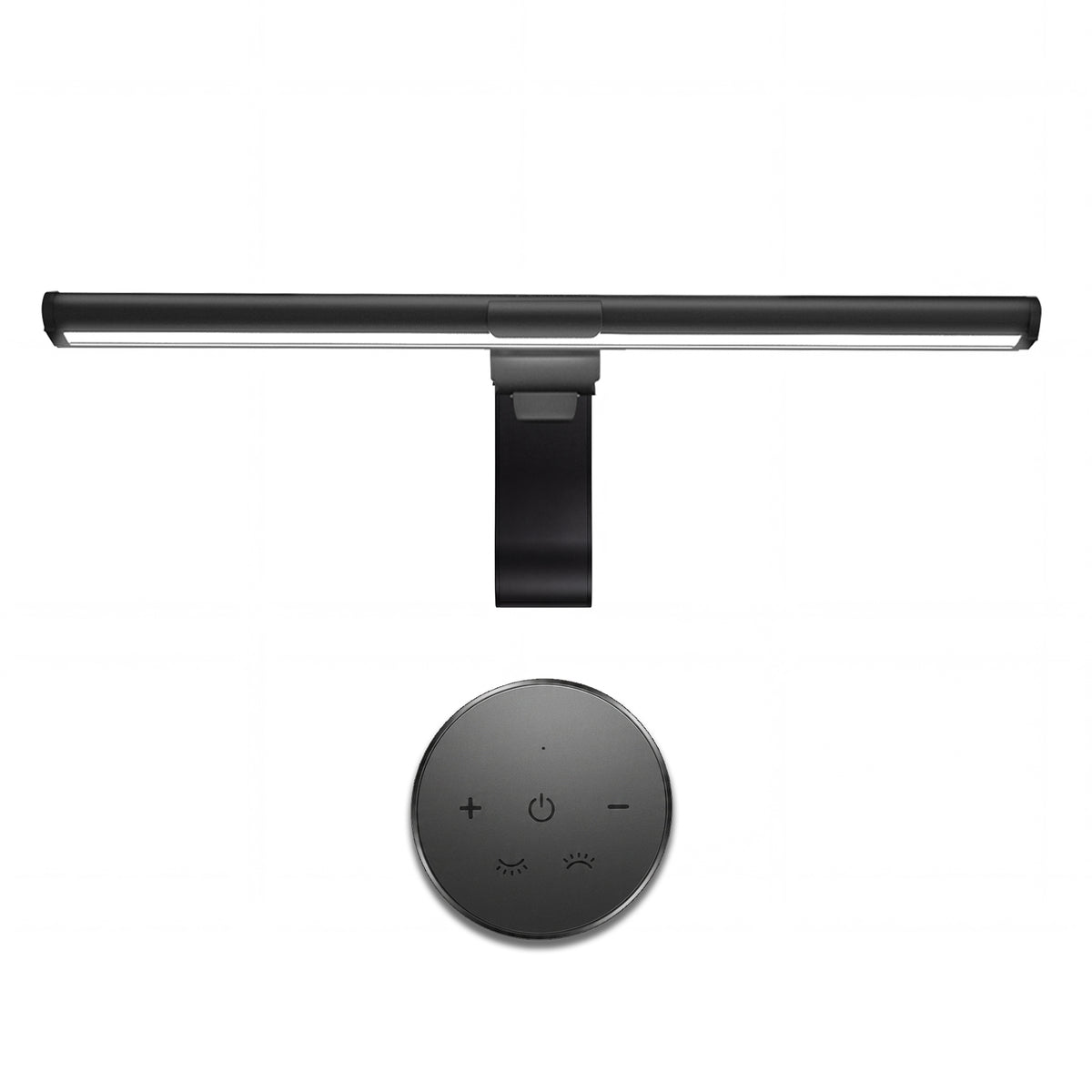
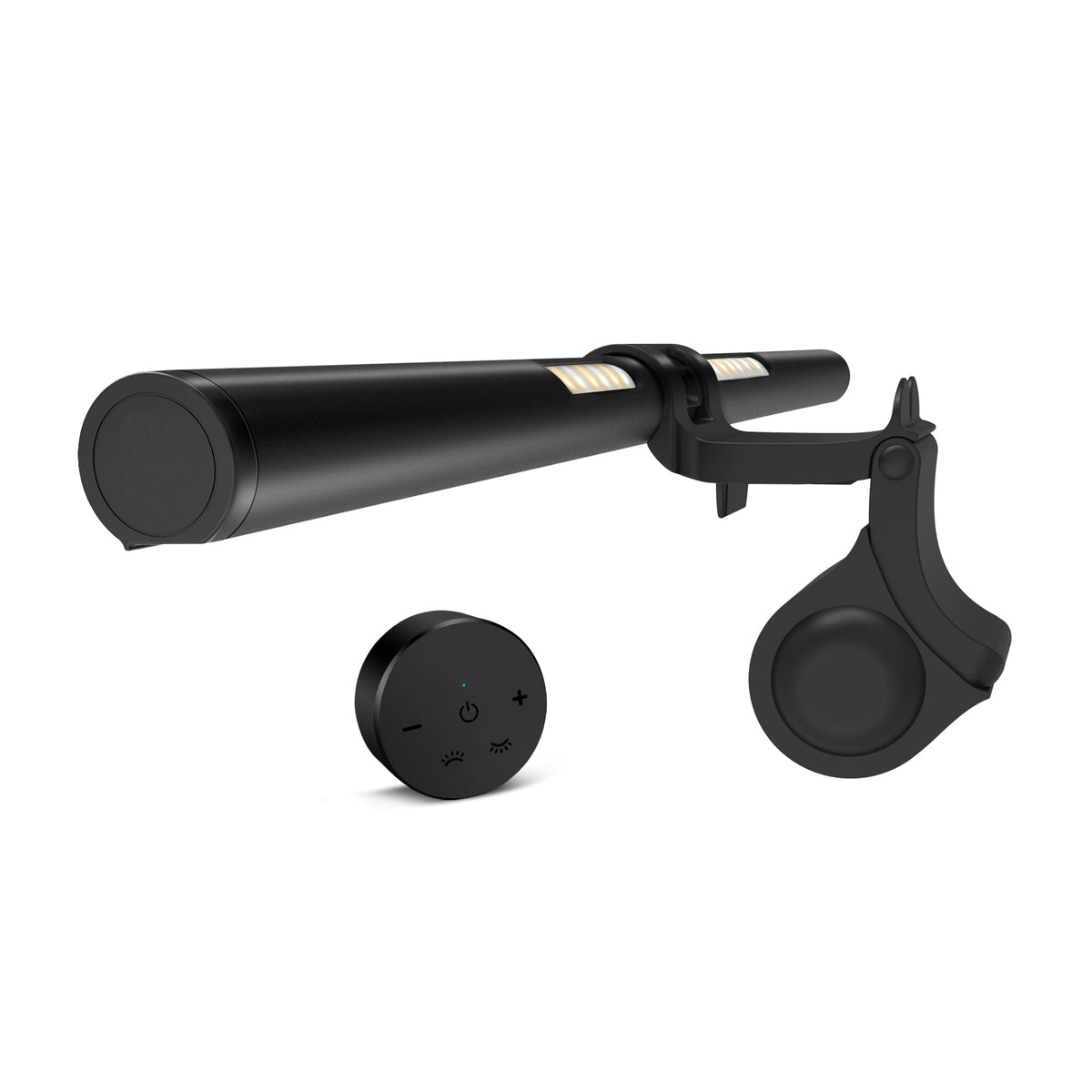
In the boxScreen light bar · mounting clip · USB power cable · wireless remote · instruction manual

  • Power: connect to a computer USB port or a regulated 5V/1A-or-higher USB power source.
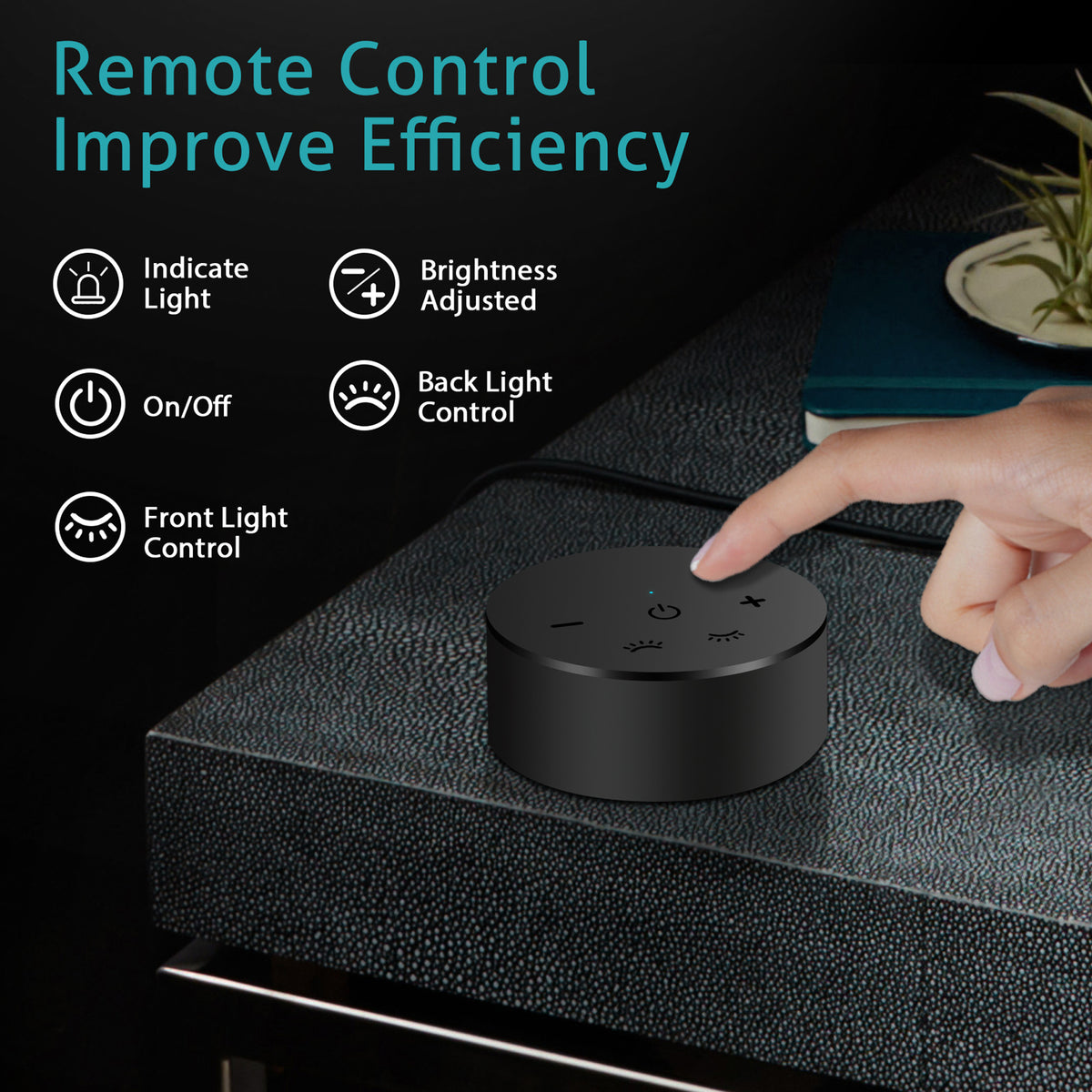
  • Control: use the on-light controls or the included 2.4G wireless remote.
  • Small heads-up: the remote uses 2 AAA batteries, not included.

Your first setup, in three clear steps.

Then your preferred light setting is remembered for next time.

1

Attach the clip

Connect the clip to the light bar, then position it at the center of your monitor with the main light facing down.

2

Connect the USB-C cable

Plug the cable into the light, then into your computer or a suitable USB power source.

3

Adjust once. Enjoy daily.

Choose front or back illumination, adjust brightness and color temperature, and let memory mode keep your last setting.

We want you to love the fit. If anything about your monitor profile seems unusual, reach out before ordering. We will help you confirm whether Sentinel™ Essential is right for your setup.

THE DIFFERENCE IS AROUND THE SCREEN. 

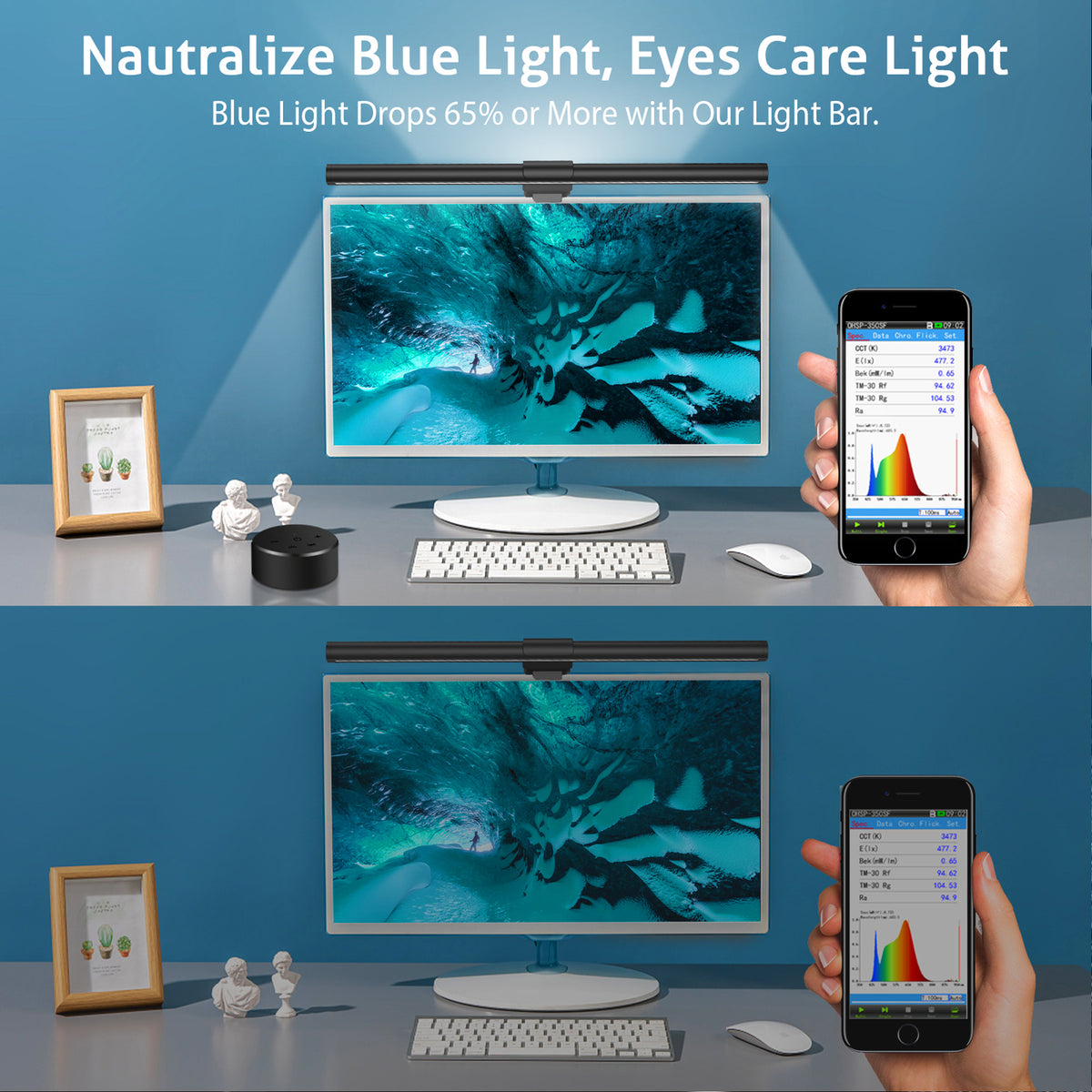
A bright screen can make the rest of a desk feel visually abrupt after dark.

Sentinel™ Essential adds focused light to your keyboard and notes, with a softer glow behind your display—so the workspace around the screen feels more complete.

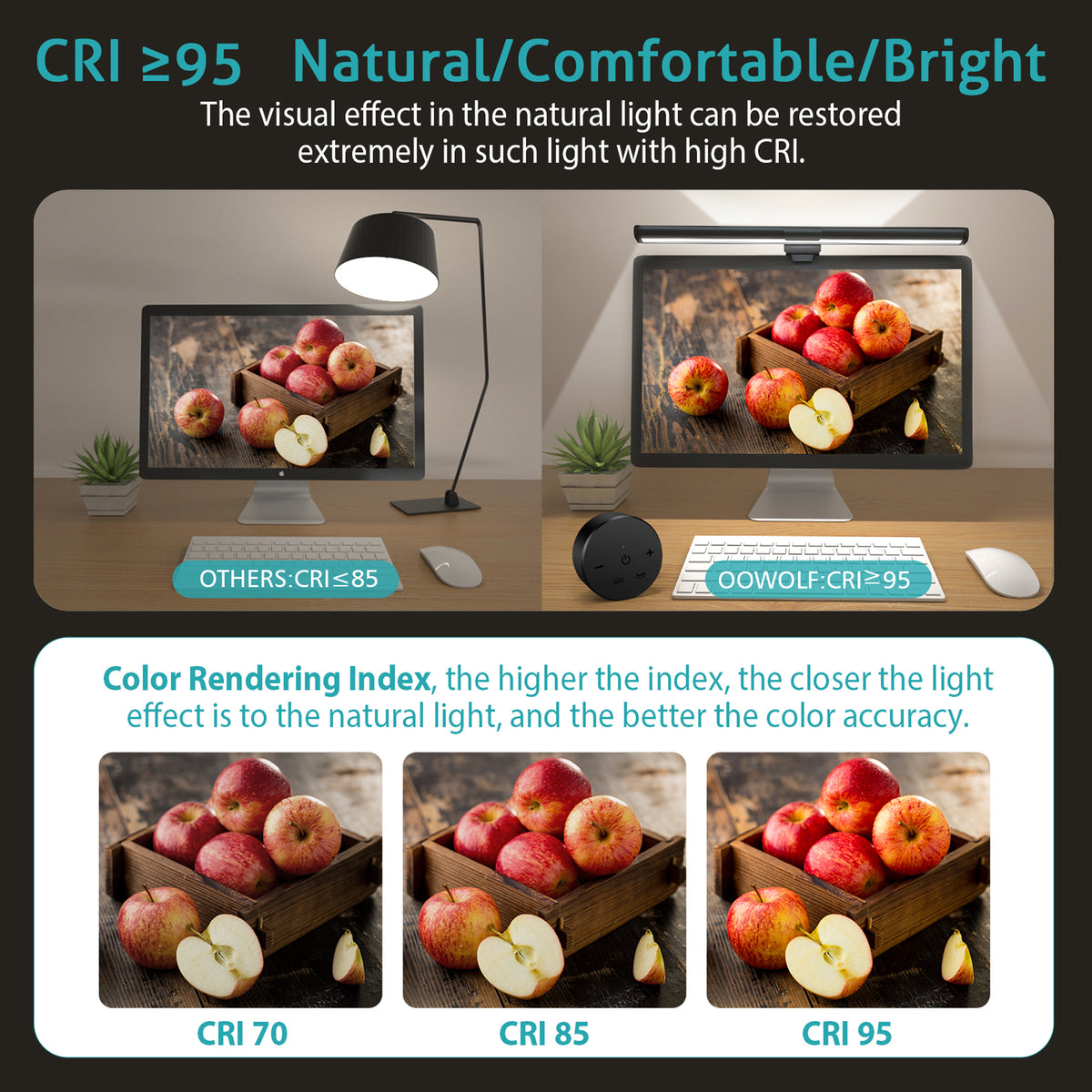
CR95+ Restore true colors

Standard LED lighting distorts color. The Sentinel™ Bio-Nurture delivers a CRI 95+ sun-like spectrum that renders every shade — from the warmth of amber to the precision of clinical white — exactly as nature intended. For designers, photographers, and anyone who needs to trust what they see on screen, this is the difference between guessing and knowing.

Other

CR95+

Customer evidence

See Sentinel™ Essential in real spaces.

Customer-submitted desk photos, shared after purchase. Different rooms, different screens, the same considered light.

Customer-shared
Real setups
No studio renders

FULL SPECTRUM, Born for a comfortable eye-use environment

2700K warm sunrise to 6500K daylight precision — tunable across the full circadian spectrum.

FAQs

Please read our FAQs page to find out more.

Is the Sentinel™ compatible with MacBooks and Windows laptops?

Yes. The Sentinel™ Retinal Defense Beam is designed to work with virtually any laptop or external monitor with a screen thickness of up to 10mm. This includes all current MacBook models (Air and Pro), Dell XPS, Lenovo ThinkPad, HP Spectre, and most standard external monitors. The silicone-lined clip holds securely without scratching your screen bezel.

How does it attach to my laptop screen?

The Sentinel™ uses a weighted counterbalance clip system — the same mechanism used in professional monitor lights. You simply place the clip over the top edge of your screen, and the internal counterweight holds it in position without any clamps, screws, or adhesive. It takes about 5 seconds to attach and can be moved between devices instantly.

Does it work with USB-C or USB-A?

Both. The Sentinel™ connects via USB-C (5V/1A) and includes a USB-A adapter in the box. You can power it from your laptop's USB-C port, a USB hub, a wall adapter, or any standard USB power source. It does not require a dedicated power brick.

Can I use it as a standalone desk lamp without attaching it to a screen?

The Sentinel™ is optimized for screen-mounted use, but it can be placed on a flat surface using the included base stand (included in select configurations). When used as a standalone lamp, it delivers the same CRI 97+ full-spectrum output and 2700K–6500K color temperature range — making it a capable task light for reading, sketching, or keyboard work even without a monitor.

What's the color temperature range, and how do I control it?

The Sentinel™ covers 2700K (warm amber, ideal for evening work and relaxation) through 6500K (crisp daylight, ideal for focused daytime tasks and color-accurate work). Control is via a single precision stepless dial on the lamp body — rotate clockwise to increase brightness, counterclockwise to shift color temperature. There is no app required and no Bluetooth pairing needed. Analog control, instant response.

PRODUCT DETAILS

Dual-Light Screen Lighting. A Calmer, Clearer Desk.

Sentinel™ Essential brings focused task light to your keyboard and desk, with a soft backlight behind your display—without taking up desk space.

MODEL TL03R
SIZE 16.14 in / 41 cm
FRONT LIGHT CRI ≥ 95
LIGHT DESIGN Front + Rear

WHAT IT ADDS TO YOUR SETUP

Your desk has two sides. Your light should too.

Most desk lights brighten the work surface but leave the area behind your monitor visually flat. Sentinel™ Essential combines a forward-facing screen light with a rear ambient light, creating a more complete lighting layer around your display.

FRONT TASK LIGHT For keyboard, notes and the work surface.
REAR AMBIENT LIGHT For a softer layer behind your display.
3 LIGHT SETTINGS Warm, neutral or cool—with stepless dimming.
01 Controls & Daily Use

Use the included wireless remote for easy adjustments from your desk, or use the touch controls on the light bar itself.

COLOR TEMPERATURE 3100K / 4200K / 6400K
BRIGHTNESS Stepless dimming
CONTROL 2.4GHz wireless remote + touch control
MEMORY Restores your last brightness and color setting
02 Technical Specifications
Model TL03R
Product Type Dual-Light Monitor Screen Bar
Length 16.14 in / 41 cm
Color Temperature 3100K / 4200K / 6400K
Brightness Stepless Dimming
Color Rendering Front Light CRI ≥ 95
Rated Power 6W Max
Power Input DC 5V / 1200mA USB Power
Control 2.4GHz Wireless Remote + Touch Control
Memory Function Restores Your Last Brightness and Color Setting
03 What’s in the Box

Sentinel™ Essential monitor light bar · Wireless remote control · USB power cable · User guide

For compatible monitor setups. If your monitor back is curved, unusually thin or irregular, please confirm fit with our team before ordering.